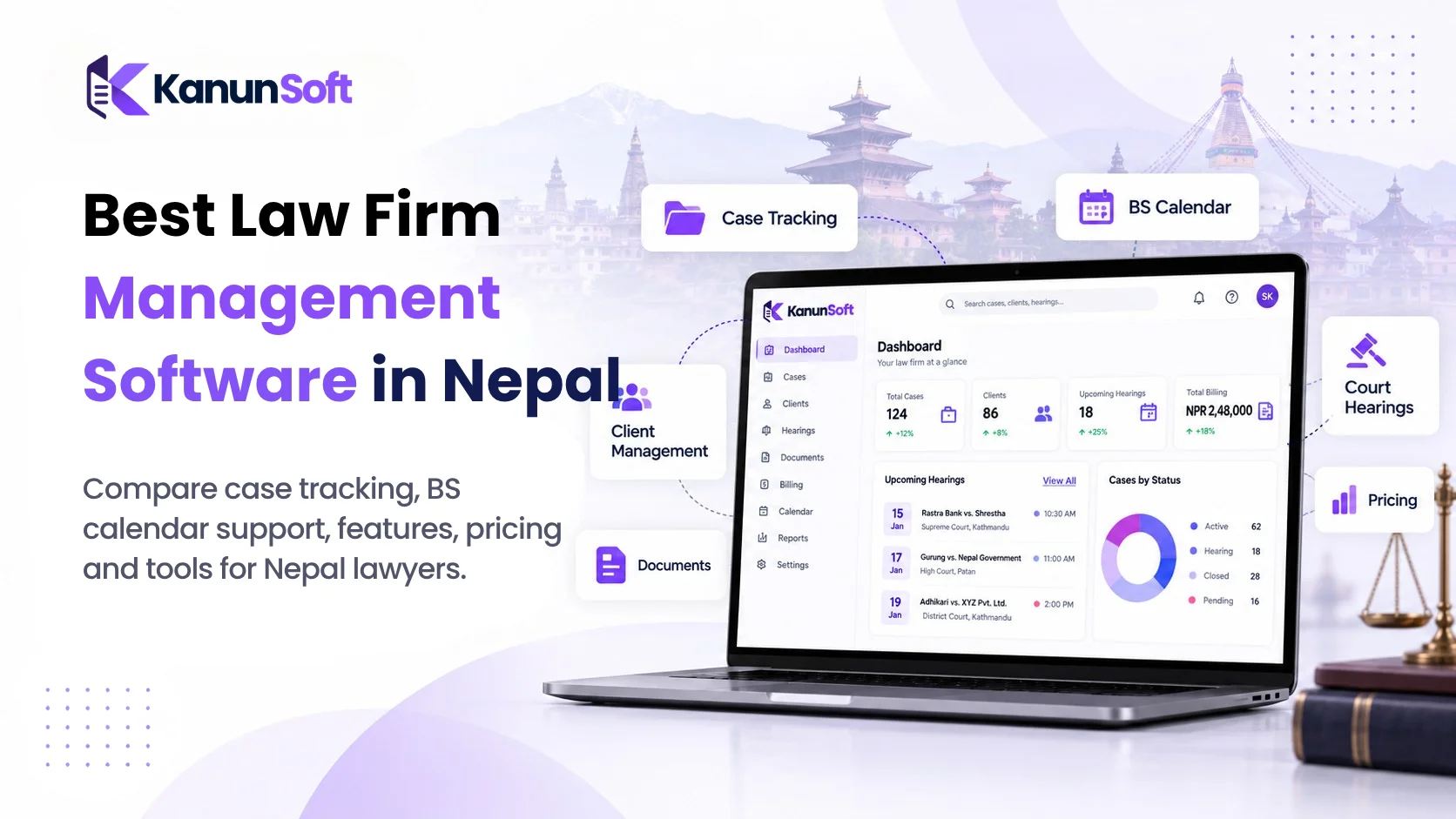
What Is Law Firm Management Software?

 SEO Specialist
Running a law firm involves much more than preparing arguments and appearing in court. Lawyers also need to manage client calls, case documents, hearings, deadlines, invoices, and the small follow-ups that keep a matter moving. When those details live in separate notebooks, spreadsheets, email threads, and messaging apps, even a capable team can lose time searching for information. Law firm management software brings the operational side of legal work into one organized system. It helps lawyers and their teams manage matters, track deadlines, store documents, communicate with clients, and oversee billing. Rather than replacing legal judgment, the software supports the administrative work around it. This guide explains what law firm management software is, how it works, which features matter, and how to evaluate a platform for your practice. It also covers real examples and the difference between a complete practice management platform and a narrower case tracking tool.
Law firm management software is a digital platform that helps a legal practice organize and run its daily operations. It typically combines client and matter records, task management, calendars, document storage, time tracking, billing, and reporting in one place. It is also called legal practice management software or law practice management software.
Think of it as the working hub for a law office. A lawyer opens a matter to see the client details, upcoming hearing, assigned tasks, recent notes, documents, and payment status without asking several colleagues for updates. Some products include all these capabilities; others focus on only a few.
For example, a small litigation firm receives a new dispute. Instead of creating a folder on one computer, recording the next hearing in a personal calendar, and tracking fees in a spreadsheet, the team opens a matter in the system. Everyone with permission can follow the same record from intake through closure.
How Does Law Firm Management Software Work?
A law firm management system usually follows the lifecycle of a client matter. The precise steps depend on whether the practice handles litigation, contracts, family law, corporate advisory work, or another specialty.
1. Client Intake and Matter Creation
A prospective client submits an inquiry or contacts the office. Staff capture contact details, the type of legal issue, and relevant documents. The firm can record a conflict-check result and, once the engagement is accepted, create a matter with an assigned lawyer and responsible team.
2. Planning, Tasks, and Deadlines
The team adds milestones such as filing dates, meetings, court hearings, and internal review deadlines. Tasks are assigned to specific people. Calendar views and reminders help the team see what is due, although critical deadlines still require professional verification and appropriate supervision.
3. Document and Communication Management
Pleadings, agreements, correspondence, evidence, and internal notes are attached to the matter. A searchable history makes it easier to understand what happened and when. Access controls can limit sensitive information to the people who need it.
4. Time, Billing, and Matter Closure
Lawyers record billable work where applicable, generate invoices, and track outstanding payments. At the end of the engagement, the team confirms that deliverables are complete, records the outcome, and archives the matter according to retention requirements.
Key Features of Law Firm Management Software
The best feature set depends on the firm’s size and practice areas. These are the capabilities most legal teams should assess.
Centralized Client and Matter Management
Each matter should have a clear owner, status, client record, relevant contacts, and an activity history. A unified view reduces repeated data entry and makes handovers easier when lawyers or support staff change.
Legal Document Management
Look for structured folders, search, version history, templates, and secure sharing. Document management should make the latest approved version easy to find without hiding the history of earlier drafts. Some systems support electronic signatures or connect to specialized document tools.
Court Calendars, Tasks, and Reminders
Deadlines are central to legal work. Calendars, task assignments, and automated reminders can support filing preparation, hearings, client meetings, and follow-ups. Check whether reminders are configurable and whether the system handles the calendars your team already uses.
Time Tracking, Billing, and Invoicing
Firms that charge hourly rates need accurate time entries, expense tracking, and invoice preparation. Fixed-fee practices may care more about milestones, payment schedules, and outstanding balances. If the firm handles client funds, evaluate any trust-accounting functionality against local rules instead of assuming a general billing tool is sufficient.
Client Communication and Portals
A client portal can provide a controlled place to exchange files, share updates, and collect information. It can reduce scattered messages, but clients should receive only the information appropriate to their matter and permissions.
Workflow Automation and Reporting
Recurring processes such as onboarding, document requests, and review approvals can be turned into reusable workflows. Dashboards may show open matters, overdue tasks, workload distribution, billing trends, and other operational indicators. Useful reporting should answer management questions, not simply display attractive charts.
Security, Permissions, and Audit Trails
Legal information is sensitive. Evaluate role-based access, multifactor authentication, encryption, backups, audit logs, export options, and vendor incident-response practices. Ask where data is hosted and how it can be retrieved if the firm changes providers. No software automatically guarantees compliance with professional or privacy obligations.
Types of Law Firm Management Software
Not every legal software product solves the same problem. Knowing the differences prevents a firm from buying a tool that leaves essential work elsewhere.
- All-in-one legal practice management software combines matters, clients, calendars, documents, and financial workflows.
- Legal case management software focuses on the progress, records, and tasks of individual cases or matters.
- Legal document management software specializes in organizing, searching, versioning, and sharing files.
- Legal billing and time-tracking software focuses on time entries, rates, invoices, payments, and financial reporting.
- Enterprise legal matter management platforms may emphasize approvals, budgets, outside counsel, and reporting for in-house teams.
These categories overlap. A firm may start with one integrated platform and connect specialist tools where its workflows require more depth.
Real-World Examples of Law Firm Management Software
Example 1: A Litigation Firm Tracks a Court Matter
A client hires a firm for a civil dispute. Staff open the matter, upload the engagement letter and initial evidence, assign the responsible advocate, and enter the next hearing date. The lawyer can review the chronology, delegate drafting work, and see which documents are still missing. After each hearing, the team records the next action and updates the client. The value is not that the system argues the case; it keeps the surrounding work visible and coordinated.
Example 2: A Corporate Firm Manages Contract Reviews
A corporate client sends several agreements for review. The firm logs each request, assigns a reviewer, tracks internal approvals, and stores the final executed version. A manager can see which contracts are waiting on client feedback and which are ready for delivery. Templates and standardized checklists can make repeat work more consistent.
Example 3: A Solo Advocate Organizes a Growing Practice
A solo lawyer may not need complex enterprise software. A simple platform with a matter list, reminders, searchable documents, and basic invoices can replace multiple manual trackers. As the practice grows, the lawyer can add staff accounts and structured permissions without rebuilding the entire workflow.
Benefits of Law Firm Management Software
Spend Less Time on Administrative Searches
When notes, files, tasks, and client information are connected to a matter, staff spend less time hunting across inboxes and folders. The actual time saved depends on adoption, data quality, and how the system is configured.
Improve Deadline Visibility and Accountability
Assigned owners, due dates, and matter timelines help the team understand what needs attention. Supervisors can identify overdue work earlier. Automated reminders support diligence but do not replace independent deadline checks.
Create a More Consistent Client Experience
Clients appreciate timely responses and clear next steps. A shared communication history makes it easier to provide accurate updates, even when the primary lawyer is unavailable. A portal may also make document collection simpler.
Support Billing Accuracy and Financial Oversight
Capturing time and expenses closer to when work happens can reduce missed entries. Managers can review unbilled work, unpaid invoices, and matter profitability where the platform supports those reports.
Make Growth Easier to Manage
As a firm adds matters and team members, repeatable workflows and permission-based access help maintain consistency. Software cannot fix unclear responsibilities on its own, but it can make well-designed processes easier to follow.
Law Firm Management Software vs. Case Management Software vs. CRM
| System | Main focus | Typical use |
|---|---|---|
| Law firm management software | End-to-end law office operations | Matters, calendars, documents, billing, reporting |
| Legal case management software | Progress of individual legal matters | Case files, milestones, deadlines, assignments |
| CRM software | Relationships and prospective clients | Lead intake, follow-ups, referral sources |
A modern legal practice platform may include case management and CRM features in the same product. The labels alone are not enough: compare actual workflows, security controls, integrations, and limitations.
How to Choose the Right Law Firm Management Software
Start With Your Practice’s Real Workflow
List the tasks that regularly cause delays: missed follow-ups, document searches, manual invoices, or unclear ownership. Decide which problems the first implementation must solve. A solo practice and a multi-office firm will have very different requirements.
Test the Everyday Features
Ask for a demo using one realistic matter from intake to closure. Check how many clicks it takes to upload a file, assign a task, find a hearing date, and prepare an invoice. Involve the people who will use the system every day, not only the purchasing decision-maker.
Review Security, Data Ownership, and Local Fit
Request details about access permissions, authentication, backups, exports, hosting location, and service availability. Confirm whether date formats, currencies, billing rules, and any court-specific workflows fit your jurisdiction. For Nepal-based firms, test Nepali date and local billing needs rather than assuming international defaults will work.
Compare Total Cost and Implementation Effort
Look beyond the advertised subscription price. Consider onboarding, migration, training, additional users, storage, integrations, and support. Ask what happens to your data if you cancel and whether exports are available in usable formats.
Before signing a contract, run a short pilot with representative matters. A tool that fits your actual working habits is often more valuable than one with the longest feature list.
Law firm management software gives legal teams a more reliable way to organize the operational details that surround every client matter. The biggest benefit is not a single feature; it is having the right information, tasks, and responsibilities connected in one workflow. If you are evaluating a solution, start with the problems your practice faces today. Shortlist platforms that handle those workflows well, verify security and local requirements, and test a real matter before committing. For firms exploring a dedicated legal practice platform, KanunSoft can be evaluated against the same checklist; confirm available features through a current product demo before making a decision.
Frequently Asked Questions
What is law firm management software used for?
It is used to organize legal matters, client records, documents, deadlines, team tasks, billing, and reporting so a law firm can manage day-to-day work in a central system.
Who needs legal practice management software?
Solo advocates, small practices, large firms, paralegals, and legal administrators may benefit. The right product and feature set depend on workload, team size, and practice area.
Is law firm management software the same as legal case management software?
Not exactly. Legal case management software concentrates on individual matters and their progress. Law firm management software usually covers broader operations, including billing, client intake, and reporting. Many products combine both.
Can law firm software manage court dates and deadlines?
Many platforms provide calendars, tasks, and reminders for hearings and filing dates. Lawyers remain responsible for verifying deadlines and complying with applicable court procedures.
Is cloud-based law firm management software secure?
It can be, provided the vendor implements appropriate safeguards and the firm configures access carefully. Review encryption, multifactor authentication, backups, data location, audit logs, and contractual protections before adopting any cloud system.
Does a small law firm need an all-in-one system?
Not always. A small practice may begin with core matter tracking, documents, and calendars. An integrated platform becomes more useful when separate tools create duplicate work or gaps in visibility.
What should I check before moving my firm’s data?
Confirm import formats, document organization, permissions, historical notes, billing records, backups, and export options. Test a sample migration and verify accuracy before switching systems.