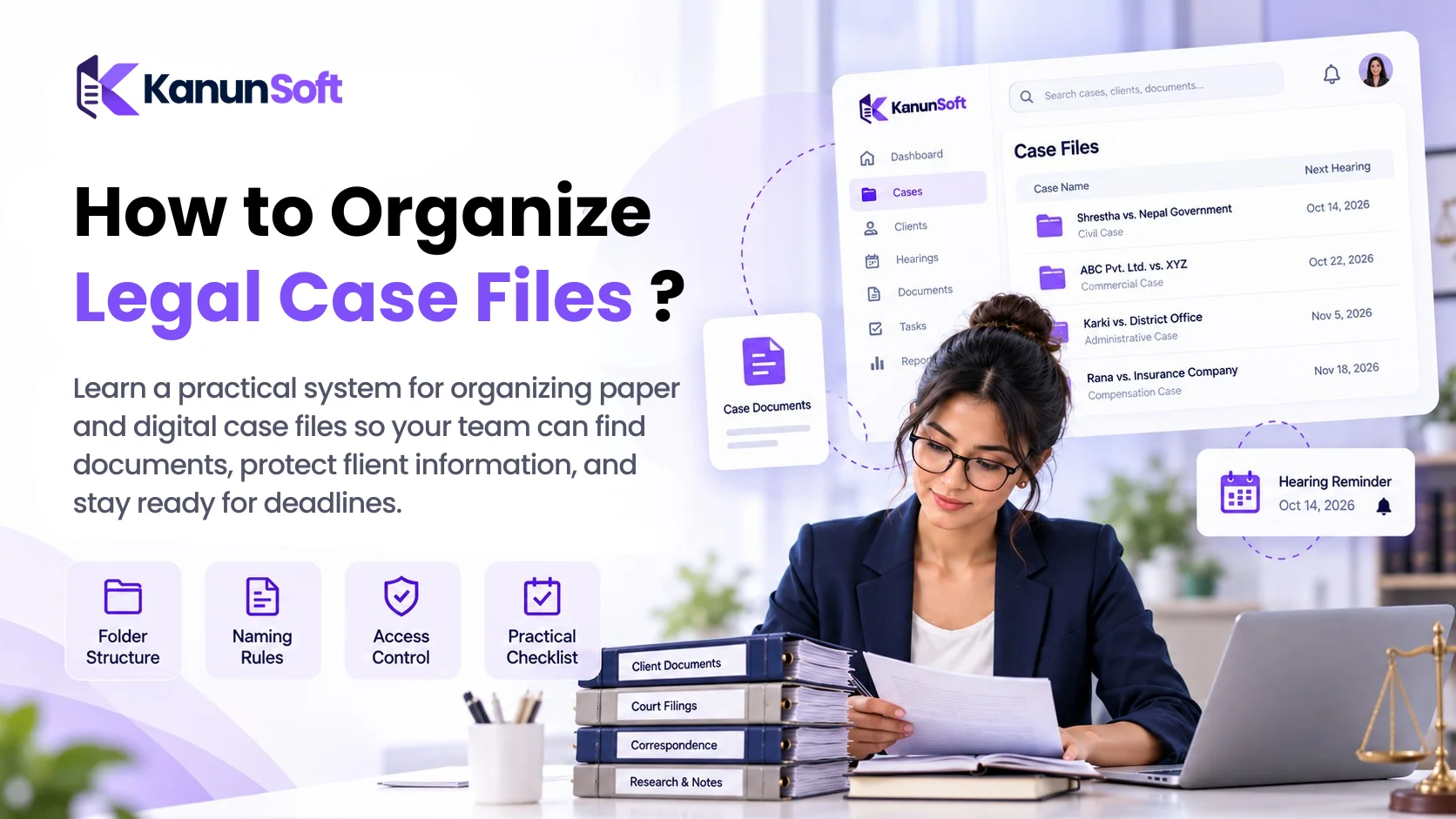
How to Organize Legal Case Files ?
 SEO Specialist
A client calls asking for the latest court filing. You remember preparing it, but the final version is buried in an email thread, a shared drive, or a folder called “New Documents.” Ten minutes later, you are still searching. That is not just frustrating; in a busy practice, it can slow down client service and make important deadlines harder to manage.
A client calls asking for the latest court filing. You remember preparing it, but the final version is buried in an email thread, a shared drive, or a folder called “New Documents.” Ten minutes later, you are still searching. That is not just frustrating; in a busy practice, it can slow down client service and make important deadlines harder to manage.
Learning how to organize legal case files starts with one simple principle: every matter should have a consistent home for its documents, communications, dates, and decisions. A reliable legal file organization system makes information easier to find, helps staff collaborate, and supports responsible handling of confidential client material.
This guide explains a workable structure for paper and digital files, naming rules, document security, and a repeatable routine for keeping matters organized from intake to closure. You do not need to buy software before improving your process, although dedicated tools may become useful as your caseload grows.
What Is Legal Case File Organization?
Legal case file organization is the process of collecting, classifying, naming, storing, updating, and retrieving all records associated with a legal matter. These records may include client instructions, contracts, pleadings, evidence, research, correspondence, hearing notices, invoices, and final orders.
A good legal document filing system answers four questions quickly: Which matter does this document belong to? What type of document is it? Which version is current? Who is permitted to access it? Whether your practice uses cabinets, cloud storage, or law firm document management software, the underlying rules should remain consistent.
Why Organized Legal Case Files Matter
Disorganized files create small delays that add up. Staff may recreate documents that already exist, use outdated drafts, overlook a client instruction, or struggle to hand over a matter when a colleague is unavailable. Clear organization improves continuity and helps new team members understand the history of a case without reading every message.
It also supports confidentiality. When sensitive files are scattered across personal devices and unrestricted folders, controlling access becomes more difficult. A structured approach makes it easier to set permissions, identify missing records, and apply retention policies. Organization does not replace professional judgment or legal compliance, but it makes both easier to carry out.
How to Organize Legal Case Files: Step-by-Step
1. Give Every Matter a Unique Case or Matter ID
Create a unique identifier when a new matter is opened. For example, KNS-2026-0042 can appear on the digital folder, physical file cover, task list, and billing record. Avoid using only a client name: one client may have several unrelated matters, and names can be similar. Keep a matter register with the ID, client, responsible lawyer, matter type, opening date, and current status.
2. Use a Standard Law Firm Folder Structure
Choose one structure and use it for every matter. A sensible starting point is 01_Intake, 02_Client_Documents, 03_Pleadings_and_Filings, 04_Evidence, 05_Correspondence, 06_Research, 07_Hearings_and_Orders, 08_Billing, and 09_Closure. Adjust folders to the work you actually perform. A family-law practice and a commercial litigation team may need different subfolders, but everyone within a practice should follow the same convention.
3. Create Clear Legal Document Naming Conventions
A name should explain what a file contains without opening it. One practical pattern is YYYY-MM-DD_MatterID_DocumentType_ShortDescription_v01.ext. For example, 2026-10-12_KNS-2026-0042_Pleading_StatementOfClaim_v02.docx. Use consistent date formatting, avoid “final-final-new,” and separate working drafts from filed or signed versions. For Bikram Sambat dates, state the calendar explicitly or store the corresponding date in a separate metadata field to prevent confusion.
4. Separate Drafts, Approved Copies, and Court-Filed Records
Do not let a working draft overwrite a signed agreement or a stamped filing. Mark documents by status—Draft, Under Review, Approved, Signed, or Filed—and preserve a final record copy. When a document changes, record who approved the change and when. For a paper-based office, use clearly labeled dividers and keep the filed copy in a predictable section.
5. Keep a Case Chronology and Deadline Register
Maintain a short matter timeline listing important events, instructions, filings, orders, and next steps. Track hearing dates, filing deadlines, and responsible people in a calendar or task system with reminders. In Nepal, check Peshi and hearing details against official court sources because schedules may change. A folder alone cannot tell your team what must happen next.
6. Centralize Correspondence and Client Instructions
Save material emails, letters, meeting notes, and client approvals to the appropriate matter rather than relying on one employee’s inbox. Note the date, sender, recipient, and action required. Keep private or privileged communications within the correct access group, and avoid forwarding client documents through unapproved personal accounts.
7. Apply Role-Based Access and Secure Sharing
Give people access only to the matters they need. Use individual accounts, strong authentication, approved sharing links, and a process for removing access when roles change. For particularly sensitive matters, consider restricted folders and documented approvals. Keep a record of who can see or edit documents; do not assume that an ordinary shared drive provides a complete audit trail.
8. Back Up Files and Test Recovery
Use a documented backup plan with protected copies and periodic restore tests. Synchronization is not the same as backup: accidental deletions or corrupted files can sync across devices. Decide who is responsible for checking backups and how quickly the office must be able to recover a matter if a laptop, server, or account becomes unavailable.
9. Review Active Files and Close Completed Matters
Set a weekly or monthly file hygiene review. Check for unlabeled uploads, duplicate drafts, missing approvals, and overdue tasks. At closure, confirm the final outcome, outstanding obligations, billing status, and the applicable retention or destruction rules. Retention periods vary by jurisdiction, matter type, contract, and professional duties; establish a policy with qualified local guidance rather than assuming one universal number.
Example: A Practical Digital Law Firm Folder Structure
KNS-2026-0042_ClientName_MatterShortName/
01_Intake/
02_Client_Documents/
03_Pleadings_and_Filings/
Drafts/
Filed_Copies/
04_Evidence/
05_Correspondence/
06_Research/
07_Hearings_and_Orders/
08_Billing/
09_Closure/
Example filename: 2026-10-12_KNS-2026-0042_Order_InterimOrder_Filed.pdf. Replace identifiable client names with matter IDs where filenames may appear in shared views or external transfers.
Paper Files vs Digital Legal Case File Management
| Consideration | Paper files | Digital files |
| Finding a document | Depends on labeling and physical access | Searchable if names and metadata are consistent |
| Working together | Usually requires physical handover or copies | Shared access with permission controls |
| Version management | Manual stamps and dated copies | Version history where supported |
| Resilience | Physical loss or damage is a risk | Requires backup, account security, and recovery plan |
| Best fit | Originals and small, paper-heavy workflows | Growing caseloads and distributed teams |
Most firms need a hybrid approach. Preserve originals when legally or operationally required, but maintain an accurate digital index so staff know what exists and where it is held.
Common Legal File Organization Mistakes to Avoid
The most common problems are inconsistent folder names, storing unrelated matters together, treating email as the document archive, relying on a single staff member to remember deadlines, and keeping multiple files named “final.” Another frequent mistake is granting everyone unrestricted access for convenience. These shortcuts work until a case becomes urgent, a colleague leaves, or a client asks for a complete record.
When Should a Law Firm Use Document Management Software?
A consistent folder system can serve a solo practitioner with a small number of matters. Dedicated legal case management software becomes more attractive when staff repeatedly search across cases, manage many hearing dates, need approval workflows, or require centralized matter permissions. Look for matter-linked documents, full-text search, version history, reminders, secure sharing, and export capabilities. Ask vendors to demonstrate these features with your actual workflow rather than relying on a checklist of marketing claims.
For Nepali firms, evaluate whether a solution supports the calendar and court workflows your team uses, and whether its security, support, and data export arrangements meet your needs. KanunSoft can be considered during this evaluation, but confirm available features directly before making purchasing decisions.
Legal Case File Organization Checklist
- Assign a unique matter ID and owner at intake.
- Use the same core folders for every case.
- Adopt one filename and version convention.
- Store signed and filed copies separately from drafts.
- Maintain a chronology, hearing dates, and task owners.
- Restrict access and use approved sharing methods.
- Back up records and periodically test recovery.
- Review active matters and document closure/retention decisions.
Knowing how to organize legal case files is less about buying a new tool and more about making good habits repeatable. Start with unique matter IDs, clear folders, reliable names, secure access, and a deadline register. Then review the system regularly so it remains useful as your caseload grows. If your firm needs more than shared folders and spreadsheets, evaluate a dedicated legal practice management platform using a real matter as a test case.
Frequently Asked Questions
How should a law firm organize client files?
Create one matter record per legal issue, assign a unique ID, and apply a consistent folder structure. Keep client intake, pleadings, evidence, correspondence, hearings, billing, and closure records in clearly labeled sections.
What documents should be included in a legal case file?
Typical records include engagement documents, client instructions, filings, evidence, research, correspondence, court orders, hearing notes, financial records, and closure documentation. The exact contents depend on the matter and professional requirements.
What is the best way to name legal documents?
Use a consistent pattern with the date, matter ID, document type, description, and version. Avoid vague names such as “document1” or “finalnew.”
Should legal case files be stored digitally or on paper?
Many practices use both. Digital files improve retrieval and controlled collaboration, while certain originals may need physical preservation. Choose based on legal requirements and workflow needs.
How do lawyers track hearing dates alongside case files?
Maintain a matter-linked calendar or deadline register with the court, case number, date, assigned lawyer, and next action. Verify changes with official court information.
Is cloud storage safe for legal documents?
Cloud storage can be appropriate when configured and governed carefully. Assess access controls, encryption, backups, location of data, vendor terms, and applicable confidentiality obligations.
How long should law firms keep closed case files?
There is no universal retention period. Requirements depend on jurisdiction, matter type, client agreements, and professional obligations. Follow a documented retention policy informed by local advice.
Can Excel be used for legal case file management?
Excel can serve as a matter index or checklist, but it does not by itself provide a complete document repository, reliable version controls, secure matter-level access, or automated workflows.
What is the difference between document management and case management software?
Document management focuses on storing, searching, securing, and versioning files. Case management typically adds matter records, tasks, deadlines, communication history, and reporting.
How do you organize old or messy legal case files?
Start by inventorying active matters, identifying duplicates, assigning IDs, and sorting high-risk or time-sensitive documents first. Migrate in batches, check completeness, and preserve original records where necessary.